
Understanding Your POS Printer Needs
Before shopping for a POS printer, start by assessing your current system. Identify your operating system (Toast, Micros, Opera, Upserve, etc.) and check which printers are compatible with your software version. This prevents wasted time, incorrect purchases, and unnecessary returns.
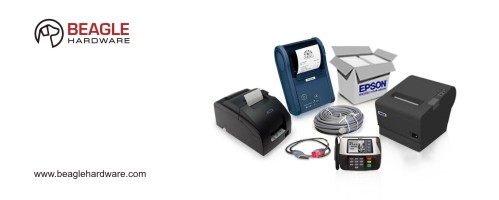
Epson is one of the leading manufacturers of thermal POS printers. Many models are easy to install using drivers, while wireless, Bluetooth, and Ethernet models may require additional setup.
What You Need to Know
- Identify your current printer model.
- Identify your interface type (USB, Serial, Ethernet, Wireless).
- Confirm compatibility with your POS software.
- Decide whether to replace your existing model or upgrade.
If your printer is discontinued, you can choose a refurbished identical model or upgrade to a newer Epson model for long‑term stability.